
Call us now :08045804051
 Send Inquiry
 Send Inquiry
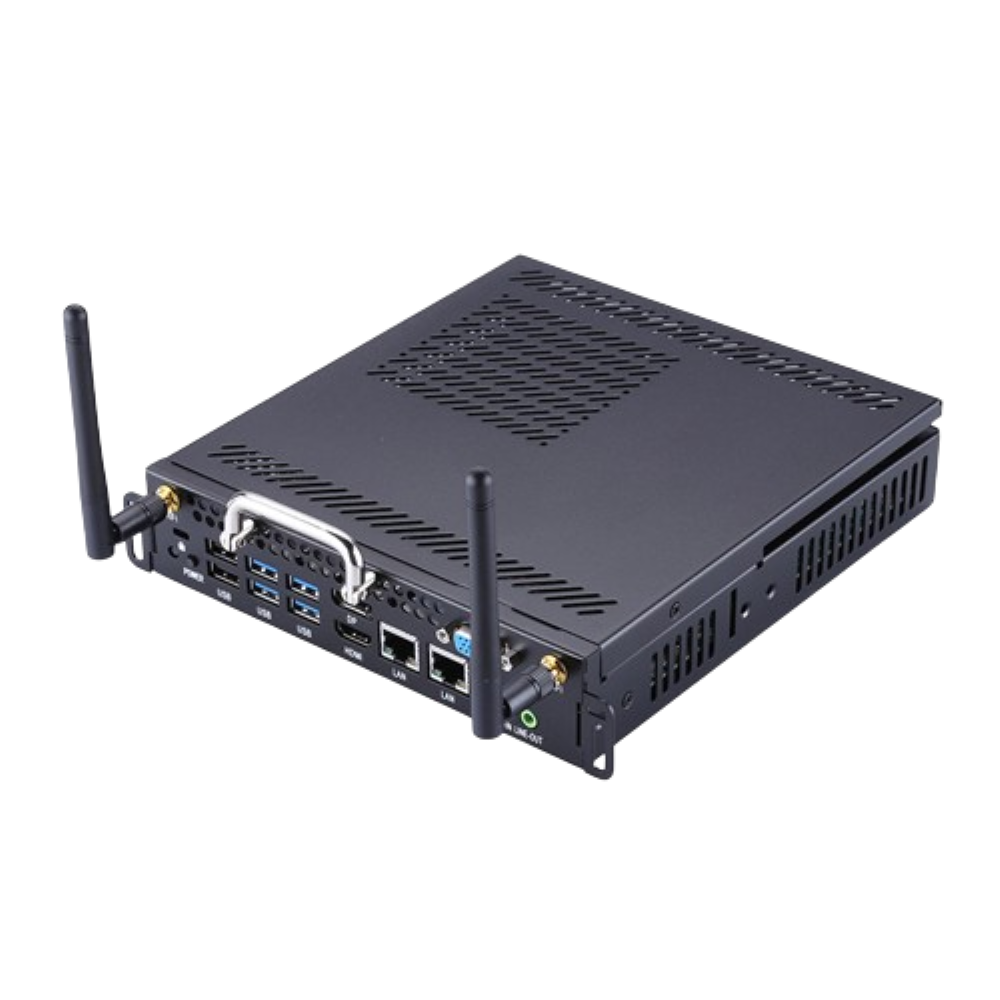
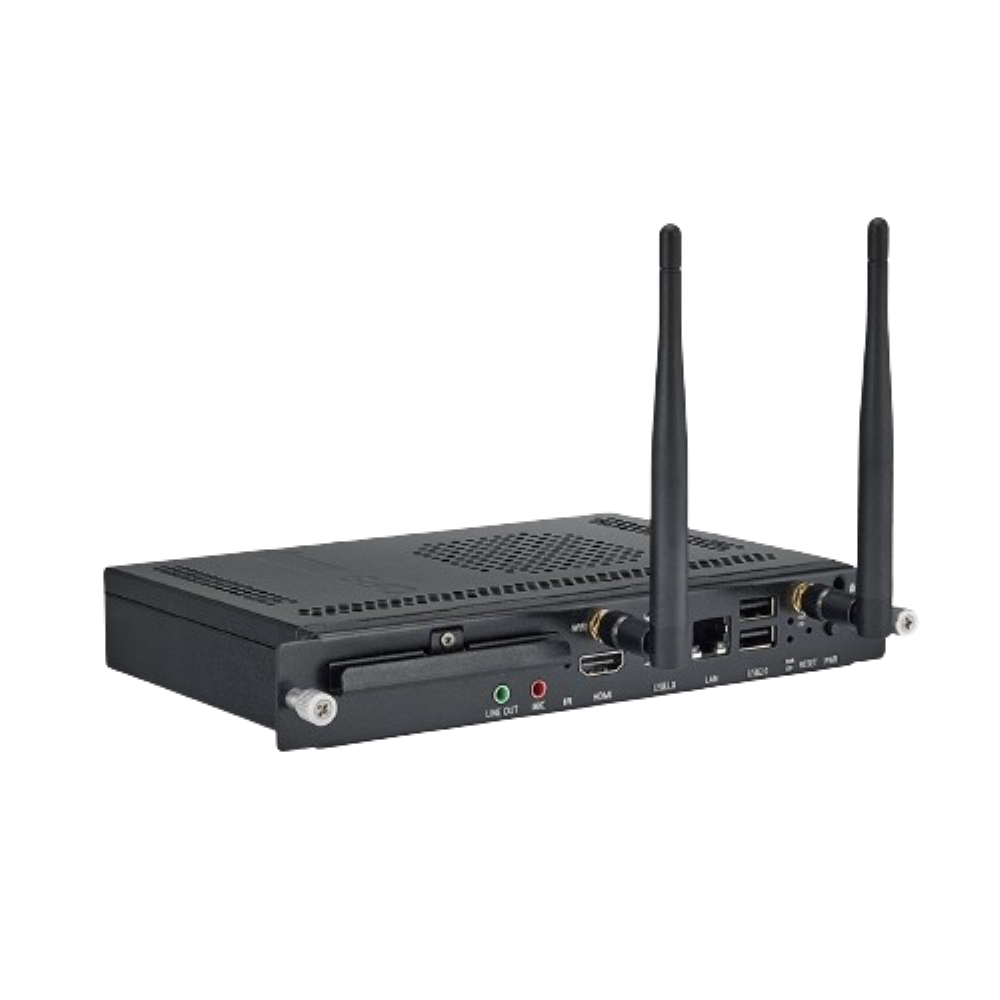
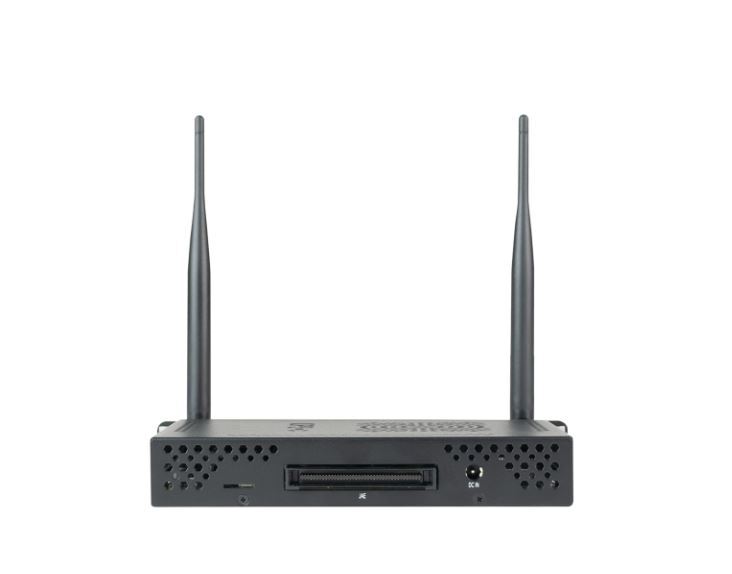
OPS For Interactive Touch Panel
Price 28000.00 INR/ Piece
MOQ : 1 Piece
OPS For Interactive Touch Panel Specification
- Voltage Range
- 100V-240V AC Adapter Supported
- Language Support
- Multi-language
- Operating System
- Windows 10 Pro
- Display Output
- HDMI, VGA, DP
- GPU
- Intel Integrated Graphics
- Audio Output
- 3.5mm Jack, HDMI
- OPS Model
- OPS For Interactive Touch Panel
- RAM
- 8GB DDR4
- Application
- Interactive Touch Panel
- Weight
- Approx. 0.8 kg
- Power Supply
- DC 12V
- Size
- Standard OPS Form Factor
- Cooling System
- Internal Fan Cooling
- Expansion Slots
- M.2 for SSD
- WiFi
- Built-in WiFi
- Compatible Panel Size
- 55", 65", 75", 86" Interactive Displays
- Bluetooth
- Supported
- Operating Temperature
- 0°C to 40°C
- Storage Temperature
- -20°C to 60°C
- CPU
- Intel i5/i7 6th Gen (Optional)
- USB
- 4 x USB 3.0
- ROM
- 256GB SSD
- LAN Port
- RJ45
- Remote Management
- Supported
OPS For Interactive Touch Panel Trade Information
- Minimum Order Quantity
- 1 Piece
- FOB Port
- KOLKATA
- Supply Ability
- 5000 Pieces Per Month
- Delivery Time
- 10 Days
- Sample Available
- No
- Sample Policy
- Sample costs shipping and taxes has to be paid by the buyer
- Main Export Market(s)
- Asia
- Main Domestic Market
- Jharkhand, Odisha, Assam, Delhi, Chhattisgarh, Sikkim, Uttar Pradesh, Uttarakhand, West Bengal, East India, Bihar
- Certifications
- ISO
OPS For Interactive Touch Panel About
Size - Customized
Condition - New
Standard - First Class
Feature - High Quality
Power Supply - Electric
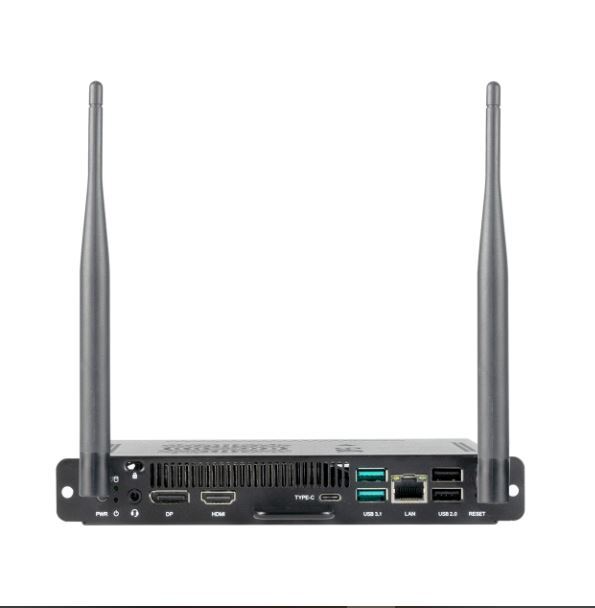
1x HDMI 1.4
1x DisplayPort 1.4
2x USB 2.0 (Type A)
2x USB 3.2 Gen 1 (Type A)
1x USB 3.2 Gen 1 (Type C)
1 x Audio in/out (3.5mm combo jack)
1 x 1Gb LAN (RJ45)
Seamless Integration for Interactive Display Panels
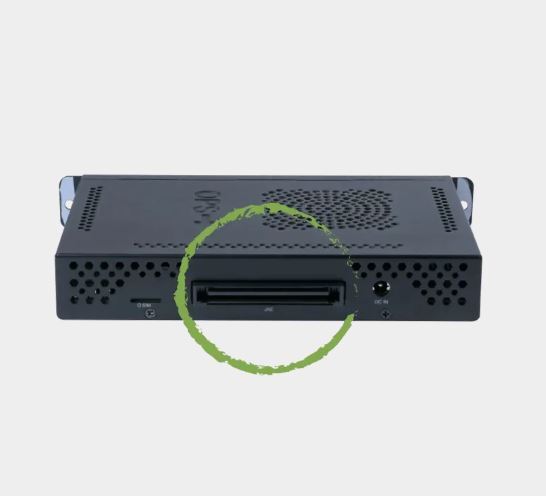
This OPS module has been engineered to fit standard interactive touch panels ranging from 55" to 86". Its compact and lightweight design (approx. 0.8 kg) ensures quick installation and a natural fit within any educational or corporate environment. With durable components and support for wide voltage and temperature ranges, it can deliver reliable performance across various settings.
Impressive Performance with Flexible Expansion
Powered by an optional Intel i5 or i7 6th Gen CPU, 8GB DDR4 RAM, and featuring an M.2 slot for SSD expansion, this OPS guarantees fast response and smooth multitasking for demanding applications. Integrated GPU and multiple display outputs provide versatile usability in classrooms, boardrooms, and interactive kiosks.
Comprehensive Connectivity and Remote Management
The OPS offers broad connectivity options including HDMI, VGA, DP, USB 3.0, RJ45 LAN, WiFi, and Bluetooth. Support for remote management and multiple languages enhances deployment flexibility for businesses, educators, and service providers, letting users control and configure devices conveniently from anywhere.
FAQ's of OPS For Interactive Touch Panel:
Q: How do I install the OPS module into my interactive touch panel?
A: Installation is straightforward-simply slot the module into the OPS slot at the back of your compatible interactive display (55", 65", 75", or 86"). The module follows the standard OPS form factor for easy integration, requiring no specialized tools.Q: What are the main benefits of using this OPS for educational or business applications?
A: This OPS offers powerful performance, reliable connectivity, seamless integration, and easy remote management. Users benefit from robust hardware, fast SSD storage, multi-language support, and the ability to run Windows 10 Pro applications for teaching, presentations, or collaborative work.Q: Can I expand the storage capacity of this OPS?
A: Yes, the OPS includes an M.2 expansion slot compatible with SSD upgrades, allowing you to increase storage based on your requirements for applications, files, or multimedia content.Q: What operating system does the OPS support and is it pre-installed?
A: The OPS is designed to run Windows 10 Pro and it is typically pre-installed, enabling immediate access to a broad range of Windows applications and easy configuration for IT administrators.Q: What is the process for remote management of the OPS module?
A: This OPS supports remote management, allowing IT administrators to monitor, configure, and update devices over a network. You can control software deployment, system settings, or perform troubleshooting remotely, improving efficiency and minimizing downtime.Q: Where can this OPS module be used in India?
A: The OPS is ideal for deployment in schools, universities, corporate conference rooms, training centers, retail environments, and public venues across India. Its broad compatibility, reliable cooling, and wide operating conditions make it suitable for diverse indoor locations.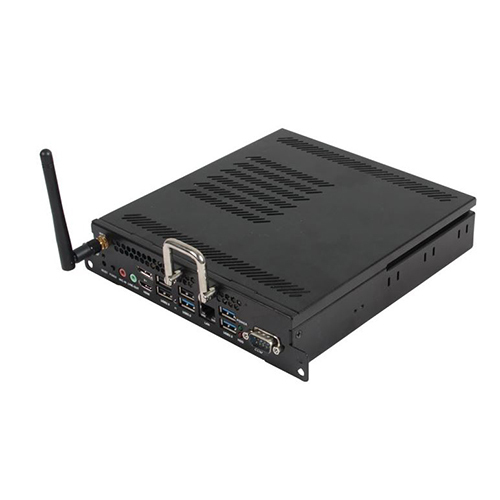
Tell us about your requirement

Price:
Quantity
Select Unit
- 50
- 100
- 200
- 250
- 500
- 1000+
Additional detail
Mobile number
Email


 Send Inquiry
Our Products

Sodepur Station Road, Sodepur, Opposite WPIL Ltd,Kolkata - 700110, West Bengal, India

Mr. Suprojit
(Proprietor)
Mobile :08045804051
 Send Inquiry
 Send SMS
Developed and Managed by Infocom Network Private Limited.


